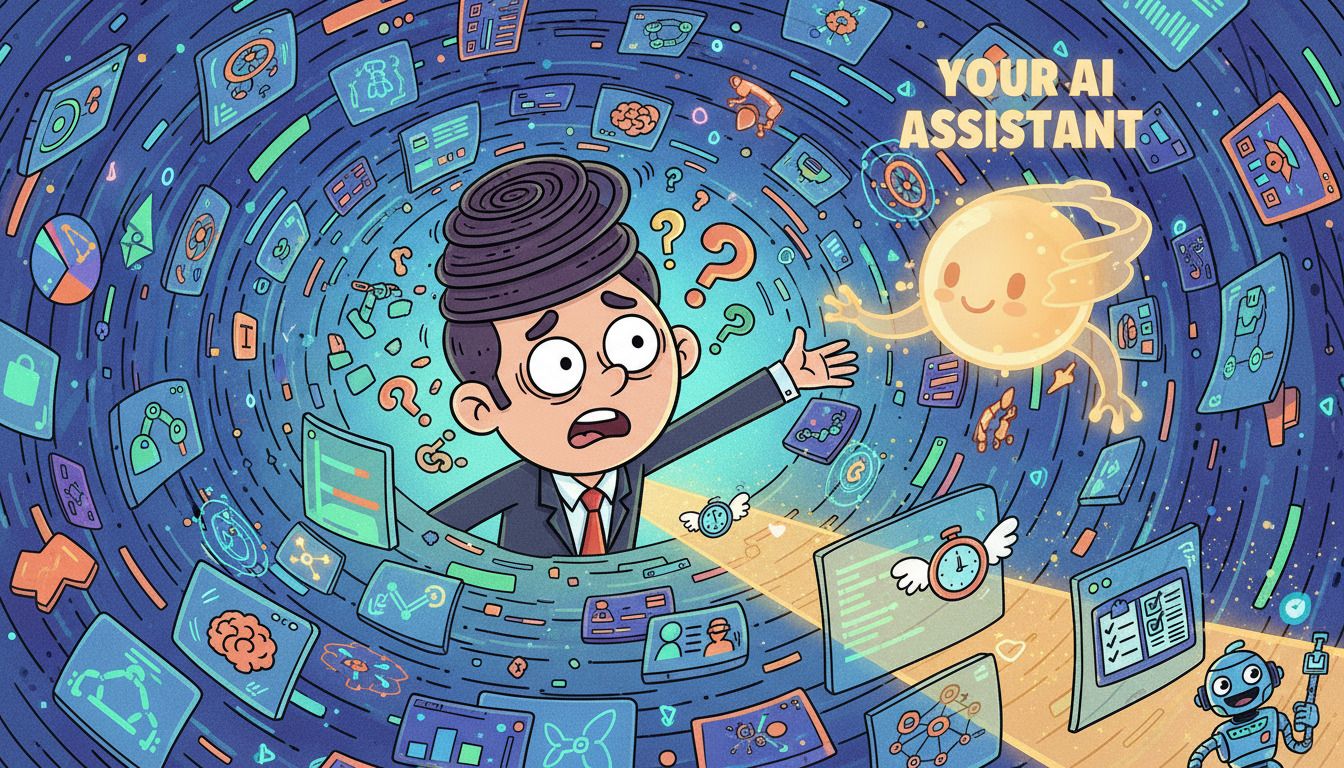
Another week, another avalanche of AI announcements that made my head spin. But don’t worry—I’ve sorted through the chaos so you don’t have to.
Here’s what actually matters for your business.
The Big Moves (That Actually Affect You)
OpenAI’s New Reasoning Models Are Getting Scary Good
OpenAI dropped an updated version of their o1 model this week, and honestly? It’s a bit unsettling how much better it’s gotten at complex problem-solving.
Here’s what this means for you: Tasks that used to require back-and-forth clarification—like analyzing your business financials or mapping out a multi-step marketing strategy—can now be handled in a single prompt. The model literally thinks through problems step-by-step before answering.
Real-world use: Instead of asking ChatGPT to “write a content calendar,” you can now say “analyze my past 6 months of social posts, identify what performed best, and create a Q1 strategy that doubles down on those patterns.” It’ll actually do the analysis work, not just spit out generic advice.
The catch? It’s slower and more expensive per query. So save it for the heavy lifting, not your daily “rewrite this email” requests.
Google’s Gemini Goes Multimodal (And It’s Actually Useful)
Google’s been playing catch-up for months, but this week they released something genuinely helpful: Gemini can now analyze your entire Google Workspace at once.
Picture this: You’re preparing for a client meeting. Instead of digging through 47 different documents, emails, and slide decks, you ask Gemini “What are the key concerns Client X has raised over the past three months?” It searches everything—Gmail, Drive, Docs—and gives you a synthesized answer with sources.
Why this matters: Time. That’s it. You get hours back each week that you’d normally spend hunting for information you know exists somewhere in your digital filing cabinet of chaos.
The reality check: It only works if you use Google Workspace. And you need to be comfortable with Google’s AI having access to… well, everything. That’s a personal call only you can make.
The Weird Stuff (That Might Matter Later)
AI Agents Are Coming (Whether We’re Ready or Not)
Multiple companies announced “AI agents” this week—basically AI assistants that can actually do tasks for you, not just suggest them.
Anthropic (makers of Claude) showed off agents that can book travel, manage your calendar, and even do basic data entry by controlling your computer. Microsoft announced similar features coming to Copilot.
The promise: Tell your AI “Find me a three-day conference in Austin next March that focuses on digital marketing, book the flight and hotel, and add it to my calendar.” Then it just… does it.
The reality: We’re not quite there yet. The demos looked slick, but early adopters are reporting these agents still need hand-holding. Think of them as interns who are eager but need supervision, not experienced assistants you can fully trust.
Should you care right now? Probably not. But keep an eye on this space. In 6-12 months, this could change how we work fundamentally.
The Practical Wins (Use These This Week)
ChatGPT’s Voice Mode Got a Massive Upgrade
If you haven’t tried ChatGPT’s voice mode recently, give it another shot. The new version sounds eerily natural and can handle interruptions like a real conversation.
Practical application for busy founders: Use it while driving, exercising, or doing mindless tasks. I’ve been “talking through” newsletter ideas while driving my kids to band and dance. By the time I sit down at my computer, the hard work is done.
Pro tip: Start your conversation with “I’m going to brainstorm out loud. Ask clarifying questions when something’s unclear, but don’t interrupt unless necessary.” Works like a charm.
Claude Added PDF Analysis (Finally)
You can now upload PDFs directly to Claude and ask it to analyze, summarize, or extract specific information. No more copy-pasting text from documents.
Real use case: That 47-page industry report you’ve been meaning to read? Upload it and ask “What are the top 5 trends I should know about, and how do they apply to a business like mine?” Done in 30 seconds.
The Things That Sound Cool But Aren’t (Yet)
AI Video Generators Are Improving
Everyone’s buzzing about the latest text-to-video tools, but let me save you some disappointment: they’re still not ready for professional use.
Can they create interesting 3-second clips for social media? Sure. Can they replace your video editor? Not even close.
My take: Great for experimentation and learning where the technology is headed. Not yet ready to be part of your regular content workflow.
What You Should Actually Do This Week
Enough news. Here’s your action plan:
1. Try One New Voice Interaction
Next time you’re about to open ChatGPT to type something, try the voice button instead. Brainstorm your next blog post, talk through a business challenge, or just see how it feels.
If it clicks, you’ve just found 2-3 hours per week of “found time” during activities that used to be unproductive.
2. Audit One Repetitive Task
Pick something you do at least weekly that feels tedious. Could AI help? Maybe it’s:
-
Summarizing meeting notes
-
Drafting initial email responses
-
Creating social media posts from longer content
-
Analyzing data or reports
Don’t try to automate everything. Just pick one thing and see if AI can save you 30 minutes per week. That’s 26 hours per year you’ll never get back otherwise.
3. Stop Collecting, Start Using
Here’s the uncomfortable truth: You probably already have access to AI tools that could save you hours each week. You’re just not using them consistently.
This week, focus on mastering ONE tool or ONE prompt that you’ll actually use daily. Not ten tools. Not a fancy system. Just one thing that becomes a habit.
The Bottom Line
AI is moving fast—sometimes too fast. But you don’t need to use every new feature or chase every announcement.
Focus on the tools that save you time on tasks you’re already doing. Let the early adopters beta test the flashy stuff. When it’s actually ready for prime time, you’ll know.
And remember: The goal isn’t to replace your judgment or creativity. It’s to eliminate the tedious nonsense that keeps you from doing your best work.
Now go use that AI voice mode before your next drive. You’ll thank me later.
What AI news are you actually curious about? Reply and let me know what you want me to dig into next week.